Graphics info
for your device
GPU Name
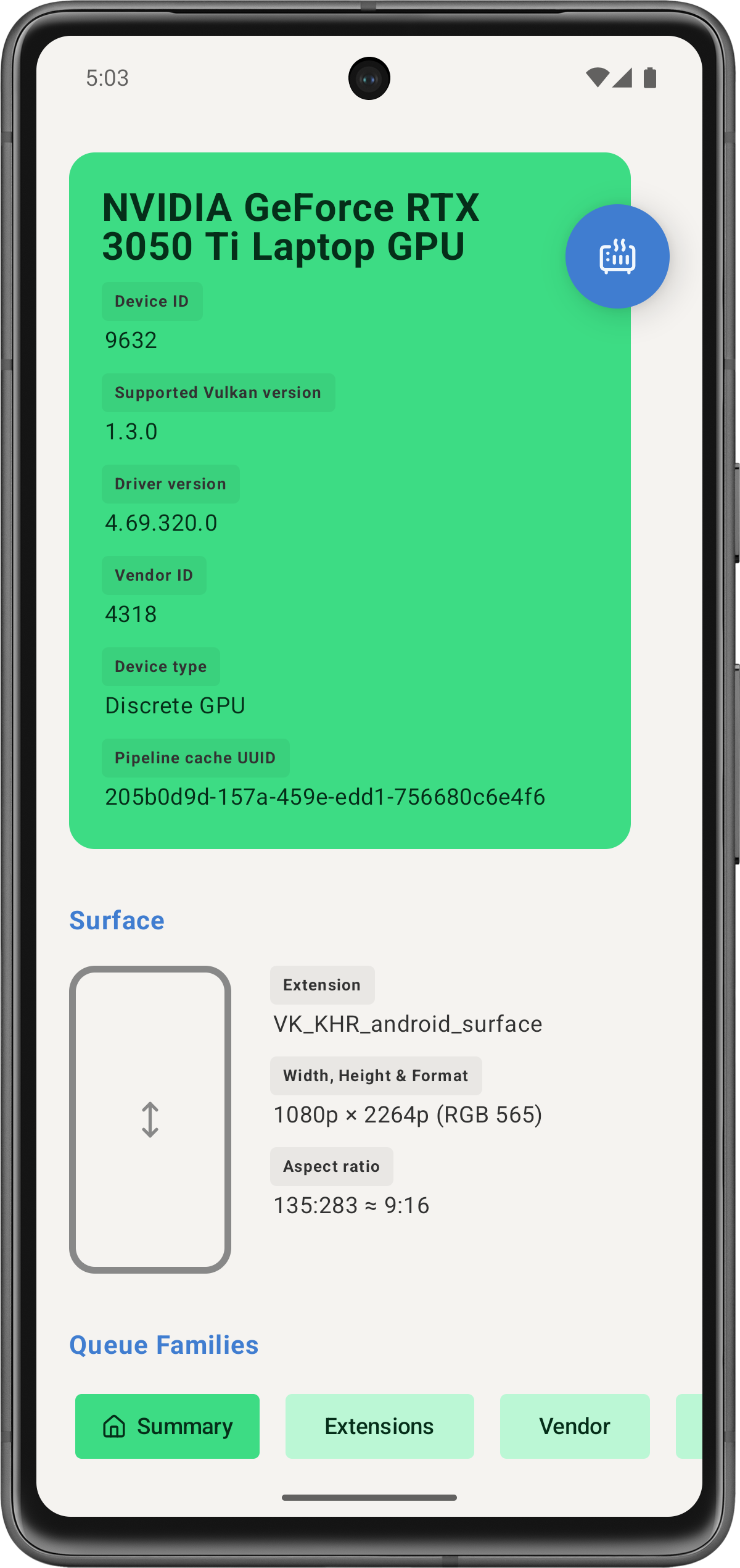
Get the chip's model and vendor
GPU Type
Integrated, dedicated or virtual
GPU Vendor
Specific chip info when available
GPU Memory
Sizes, types and heap allocation
GPU Features
Supports wide lines, alpha to one
GPU Presentation
Vsync or tearing
GPU ColorSpace
sRGB, HDR10, DCI P3
GPU Capabilities
Supported alphas, transforms
DOWNLOAD NOW
GPU Labs reads the graphics chip information and presents it in a user-friendly manner.
Articles
READS TO GET YOU STARTED

What is Vulkan?
Vulkan is a neat graphics API that is low-level and removes many abstractions, allowing the GPU to deliver maximum performance. This however adds some complexity when developing an application.

Vulkan tutorial
This tutorial should give you an understanding of how to draw your first triangle. Allocating vertex buffers, creating uniform buffers and uploading texture images. The Vulkan API is verbose and allows you to have granular control of the GPU.

Made with Vulkan
A list of fantastic projects that were made using Vulkan. Including some AAA titles and popular apps. Vulkan's cross-platform capabilities ensures that you develop once for screens.